Turn the track
Trackplanner user30. Oktober 2026
Open
comments · 1
Sign in to comment- Georg Wächter30. Oktober 2026· edited
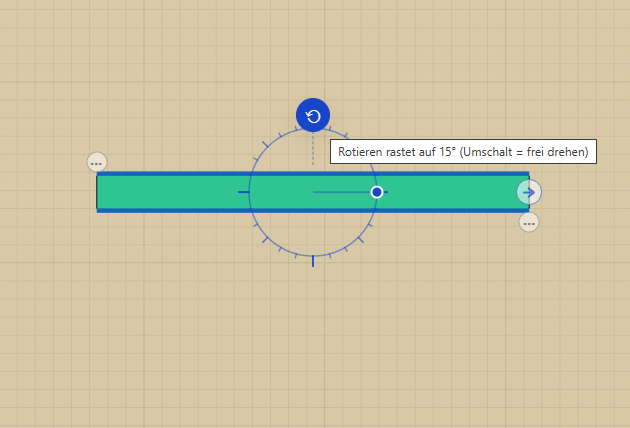
You can already rotate tracks (and all other elements). To do this, select the track (double-click for a single track or single-click for the entire section) and then use the rotation arrow. This rotates the track in 15° increments; holding down the Shift key allows for continuous rotation, and alternatively, you can click on the angle after rotating and enter a specific value using the keyboard.
Automatically translated ·